Galaxy Quest - 2D Animated Dialogue Scene
Here's my classically animated take on a classic moment from the sci-fi classic Galaxy Quest.
I designed the character, animated and painted the background in Photoshop, and comped in After Effects.
I wanted to see whether Photoshop could be used as a legit 2D animation tool. The answer: Sort of. I wouldn't use it for such a frame-heavy scene again, as scrubbing is a massive pain in the arse, onion-skinning isn't up to scratch, and your machine starts to chug as the scene gets larger. But being able to use all the standard PS tricks as I went was nice - distorting a smart object for the glasses is one example of a time-saving technique.
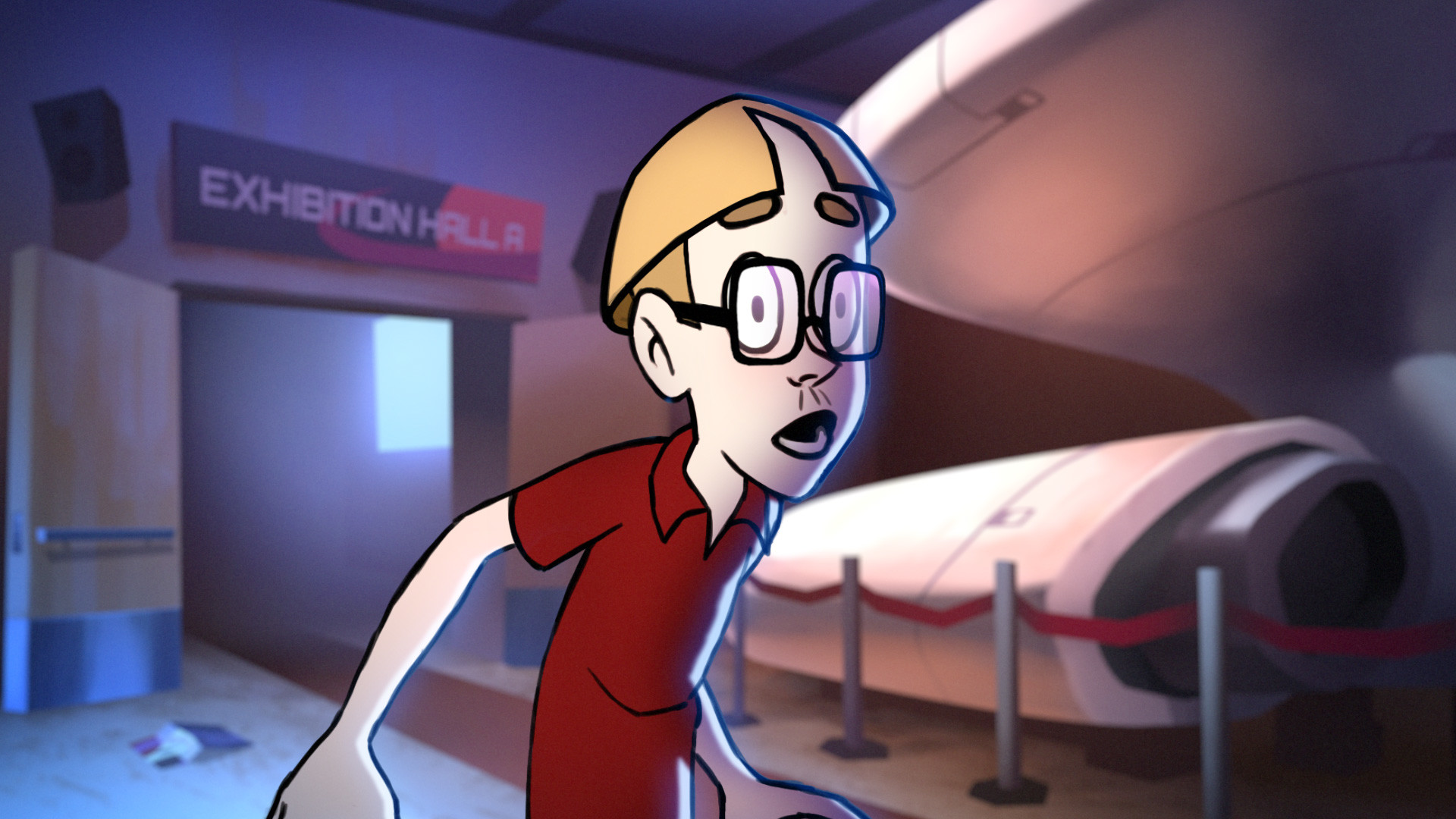
Full Dialogue Scene, and breakdown of animation steps

For the background, I started with a sketch that I broke into the key shape masks in Photoshop for colouring.

Painting in the colour, knowing that I would add additional lights in After Effects.

Comping in the finished animation frames in After Effects. All animation frames were done in Photoshop.

Adding moving lights and flickering screen to the background, a main shadow, blue rim light, cheek colour and lens effects to the character.

